


Pacdora: 3D Packaging Designs & Dielines Made Easy

If there is one thing every modern product brand needs, it’s fast, flexible, and visually impressive packaging. However, packaging doesn’t start on a factory floor; it starts online in the modern digital world.
That’s exactly where online 3D packaging design tools step in. Pacdora has quickly become a favorite for designers, startups, and e-commerce brands. It helps produce quality packaging without fighting complicated software.
Whether you are a packaging newbie or a brand owner looking to visualize your next product line, the Pacdora Tool makes 3D packaging design easier than ever. Let’s break down why.
What is Pacdora?
When it comes to creating 3D designs of product packaging with an easy-to-use interface, Pacdora stands out. This tool helps design custom packaging according to your brand requirements without much effort.
The best thing about this software is automating multiple packaging aspects, like materials, dimensions, etc. All you need to do is select the design template and opt for your required material. Pacdora will create a mockup with dielines, which you can alter according to your requirements.
Why Does 3D Packaging Design Need Modern Upgrades?
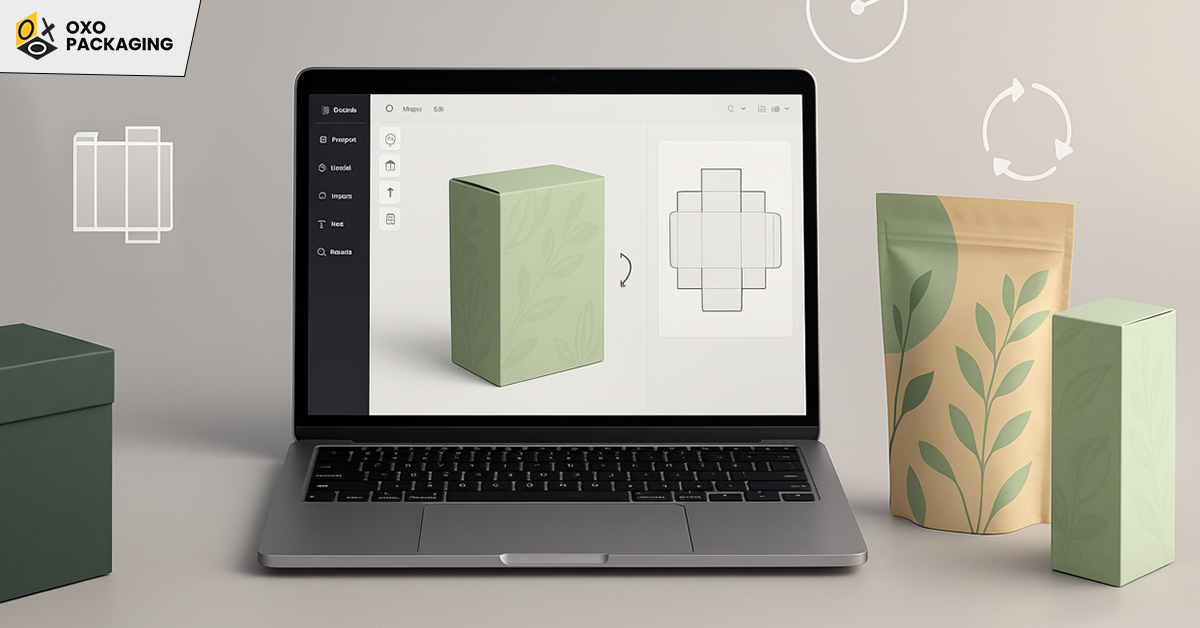
Traditional packaging software often feels stuck in the past due to heavy downloads, steep learning curves, and expensive licenses. If you needed dielines, you had to hire a designer. If you wanted mockups, you needed a 3D artist. But if you wanted a quick prototype? Good luck.
But today, brands need to move fast. Because product launches are quicker and marketing teams want visuals from yesterday. However, online stores rely heavily on 3D renders to convince customers to click “Add to Cart.”
This is why packaging design online has exploded in popularity. And Pacdora stands out as a tool built for modern workflows.
Get Pacdora: Simple Packaging Software For 3D Package Design
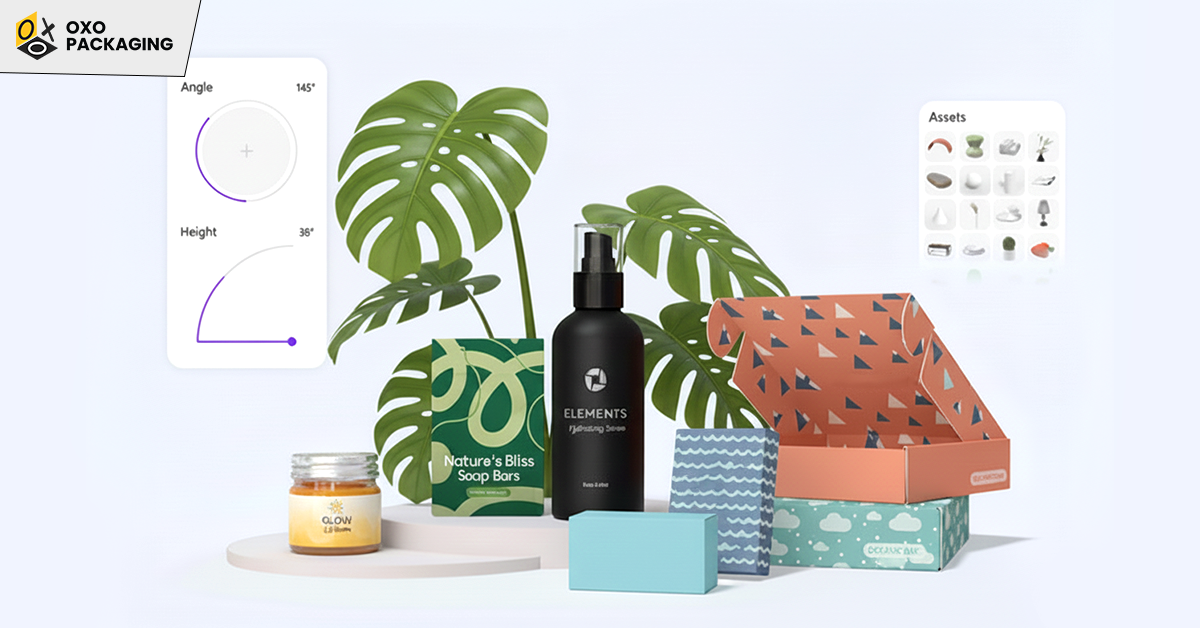
Pacdora is gaining traction among designers because it positions itself as an all-in-one packaging software for 3D packaging design. User experience of this software reflects that. Designed entirely for online use, Pacdora removes the headache of installs, updates, or complicated system requirements. You just open your browser, choose your packaging type, and start designing. That’s it.
Key Features That Make Pacdora Shine
In case you are wondering what capabilities make Pacdora a popular tool. Let’s dive into the core features that give it a competitive edge among other tools:
Produce Thousands of Ready-to-Use Packaging Templates
From mailer boxes, skincare bottles, to food pouches, Pacdora offers a massive ready-made template library. These are not just generic shapes; they are real, production-ready dielines based on packaging industry standards.
Whether you are designing for cosmetics, electronics, food, health, or retail, you will find a structure that fits your product perfectly.
Get Instant Die-line Generator
One of Pacdora’s biggest selling points is its automatic dieline generator. Instead of manually creating complex fold lines and cut lines, which is a headache even for professionals, Pacdora allows you to enter your desired dimensions, adjust panel sizes, add bleed, glue areas, and flaps, and download a clean print-ready dieline. Hence, this feature alone saves hours of manual work.
Allow Real-Time 3D Rendering Packaging
This is where Pacdora becomes a game-changer. You simply upload your artwork, and Pacdora instantly wraps it onto the 3D packaging model. As input, you get a photorealistic 3D rendering of packaging that you can rotate, zoom, and customize.
For brands selling online, these mockups can be used directly on Amazon product listings, Shopify stores, website banners, social media campaigns, pitch presentations, and packaging approvals. Hence, if your brand has no designer, no problem. Pacdora makes your packaging look studio-shot in minutes.
Export High-Quality 3D Mockups and Animations
Beyond static images, Pacdora allows you to export PNG mockups with transparent backgrounds, 3D animations like box folding videos, and HD renders with adjustable lighting. This gives your product a premium, cinematic presentation without needing a photographer or studio setup.
Possesses a Simple and Intuitive Interface
Compared to traditional packaging software filled with complex tools and CAD-style controls, the interface of Pacdora is as simple as a drag-and-drop design platform like “Canva”. So, If you can design a Canva post, you can design in Pacdora.
Consider the Core Benefits of Pacdora
Now that you have gone through the distinctive features of Pacdora, you can understand why designers and brands love Pacdora for its ability to streamline the entire packaging design workflow from dielines to photorealistic 3D mockups and marketing assets. Have a look at the major benefits of Pacdora:
Speed
What used to take two or three professionals, a structural designer, a 3D artist, and a graphic designer, can now be done in minutes.
Accuracy
The dielines generated by Pacdora match standards used by packaging manufacturers while reducing costly revisions and sampling errors.
Cost-Effectiveness
If you use Pacdora, you don’t need to buy separate software for dielines, 3D mockups, or rendering. Pacdora becomes your multi-tool.
Cloud-Based Convenience
While using Pacdora, you can work from anywhere and share projects easily. There is no need for you to indulge in more file-format drama.
Perfect for E-Commerce and Marketing Teams
High-quality packaging visuals directly influence buyer decisions. Pacdora helps brands show off their products with premium-level visuals before a single box gets printed.
How Pacdora Helps Beginners and Professionals?
Pacdora bridges the gap between design skills and professional results, helping both beginners and professionals. It offers an intuitive platform that simplifies complex processes like creating dielines and 3D mockups. Let’s see how it benefits businesses, graphic designers, packaging experts, and marketing teams:
-
For Businesses
You don’t need to outsource expensive packaging design from day one. Pacdora provides templates and easy tools for DIY packaging mockups.
-
For Graphic Designers
Pacdora eliminates the need for learning 3D software. You can focus on brand design while Pacdora generates your 3D results instantly.
-
For Packaging Experts
If you're already familiar with dielines, you’ll love the accuracy. If you’re not, Pacdora handles the technical part.
-
For Marketing Teams
Do you need a teaser, product page visual, or ad creative? Well, Pacdora can give you 3D results in minutes.
Pacdora Logo and Branding Options
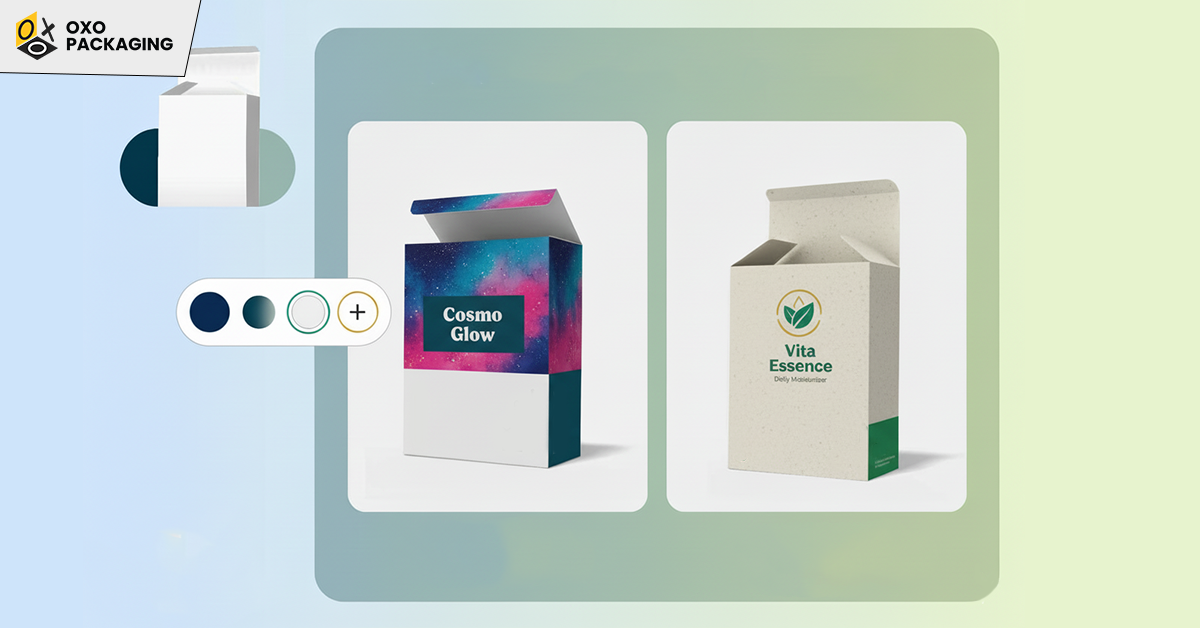
Pacdora also allows you to upload brand elements, build packaging themes, and maintain consistency across your designs. If you are working with the Pacdora logo, creating branded templates becomes incredibly easy. Many agencies use Pacdora just to create a library of packaging styles for their clients.
How to Use Pacdora?
Wondering how to use Pacdora? The processing of this software is smooth, beginner-friendly, and fast. Read here the step-by-step instructions to take the best advantage of the most efficient online 3D packaging design:
- Choose a package type (box, bottle, pouch, bag, etc.)
- Enter dimensions to auto-generate a dieline
- Upload artwork or design inside the editor
- Preview in 3D with instant rendering
- Customize lighting, shadows, and textures
- Export dielines and 3D mockups for manufacturing or marketing
What are the Best Alternatives to Pacdora?
The best alternatives to Pacdora for 3D packaging and mockup creation include Mockey.ai for user-friendly, free apparel/product mockups. Another option is 3dmockup.co for specialized packaging. However, you can also use Canva for general, high-quality design mockups. All these tools provide robust 3D visualization, dieline editing, and extensive template libraries.
Final Thoughts
The demand for online 3D packaging design has skyrocketed. And tools like Pacdora are reshaping how brands create their packaging. Instead of struggling with traditional software or outsourcing every little task, Pacdora gives you freedom, speed, and visual power. Want to explore this modern, cloud-based, intuitive tool? Access here, Pacdora.
The best 3D packaging design software depends on your needs. However, Pacdora is gaining popularity due to its exceptional dielines and 3D mockups generation in a matter of minutes.
Pacdora has free core features for creating and customizing 3D mockups. But it also offers advanced features through paid plans.
Pacdora Premium is not free, but the core features are available for free. Pacdora offers a free tier with basic functions and a paid premium subscription for advanced tools, higher limits, and more export options.
Free alternatives to Pacdora include free design tools like Canva and Fotor. They can be used for creating graphics, while free 3D software like Sculptris and Blender are used for 3D modeling and texturing.






 Let's Call